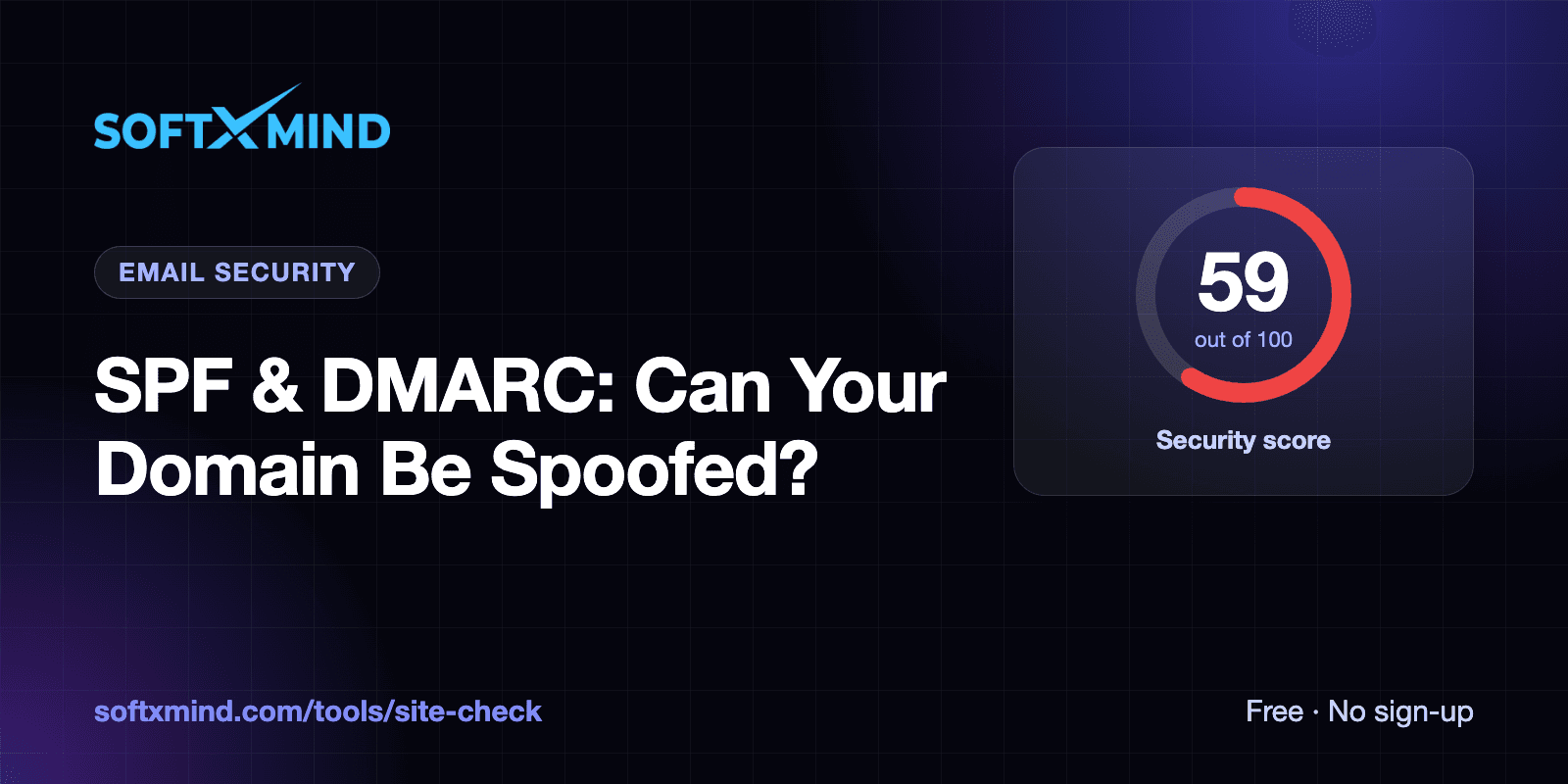
To check whether your domain can be spoofed, look up two DNS records: SPF (a TXT record on your domain starting with v=spf1) and DMARC (a TXT record at _dmarc.yourdomain.com starting with v=DMARC1). If either is missing, or DMARC is set to p=none, scammers can send emails that appear to come from your company and receiving servers won't block them. Our free website health check tests both as part of its security scan.
This guide explains what SPF and DMARC do, how to check them, how to set them up safely, and the mistakes that break email for real users.
Key takeaways
- SPF lists the servers allowed to send email for your domain. DKIM signs your emails. DMARC tells receiving servers what to do when a message fails those checks.
- Without DMARC enforcement (
quarantineorreject), fake emails using your domain are still delivered. This is a common route for invoice fraud. - Gmail and Yahoo require SPF, DKIM and DMARC for bulk senders, and missing records push even normal business email towards spam.
- A domain must have exactly one SPF record. Two SPF records make SPF fail entirely.
Why email spoofing is a website problem
Your website and your email share the same domain. When a customer receives an invoice "from" accounts@yourcompany.com asking them to pay a new bank account, they trust it because of your domain name. SPF and DMARC are how you tell the world's email servers which messages are really yours.
These records are often overlooked because they live in DNS, not in your website code. They also get lost easily: moving your domain to a new DNS host or hosting provider can silently drop them. That's exactly what happened to us, and it's why our website health check includes them.
SPF, DKIM and DMARC explained
| Record | Where it lives | What it does |
|---|---|---|
| SPF | TXT record on yourdomain.com | Lists the mail servers and services allowed to send email for your domain |
| DKIM | TXT or CNAME at selector._domainkey.yourdomain.com | Publishes a public key so receivers can verify your emails' digital signatures |
| DMARC | TXT record at _dmarc.yourdomain.com | Tells receivers what to do with mail that fails SPF/DKIM alignment: nothing, quarantine or reject |
How to check your SPF and DMARC records
Option 1: Run an automated check
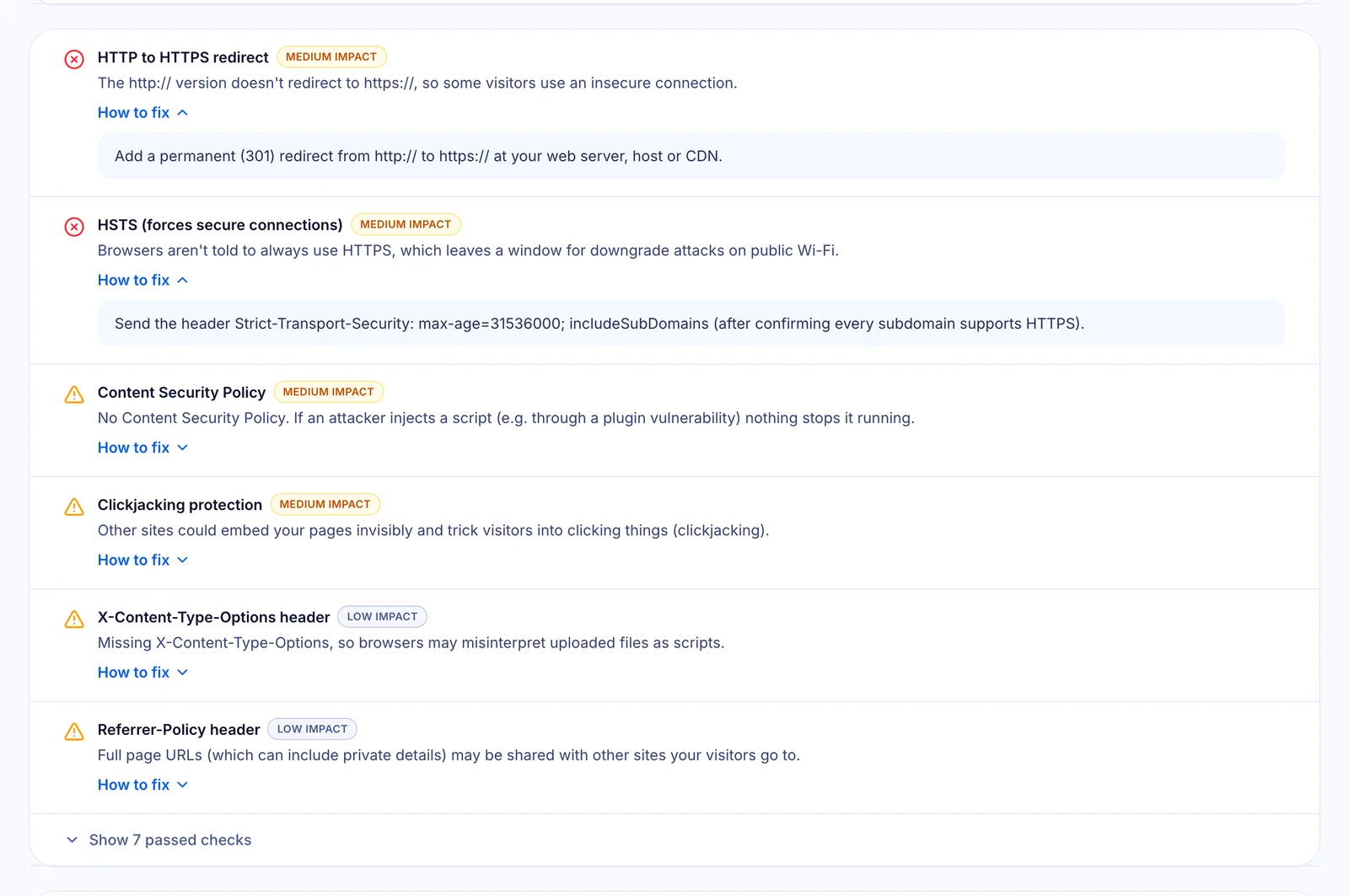
Enter your domain into the free website health check. The Security section reports:
- Email spoofing protection (SPF): whether an SPF record exists.
- Email impersonation policy (DMARC): whether DMARC exists, and whether it's only monitoring (
p=none) or enforced.
Option 2: Look up the records yourself
On macOS or Linux, open a terminal and run:
dig +short TXT yourdomain.com
dig +short TXT _dmarc.yourdomain.com
On Windows, use nslookup -type=TXT yourdomain.com. Look for a line starting with v=spf1 in the first result and v=DMARC1 in the second.
How to set up SPF and DMARC safely
Step 1: List every service that sends email as your domain
Your mailbox provider (Google Workspace, Microsoft 365 or your host), plus your website's transactional email service, newsletter platform, CRM and helpdesk. Missing one here is the most common cause of legitimate email being rejected later.
Step 2: Publish one SPF record that includes them all
Combine every sender into a single record, for example:
v=spf1 include:_spf.google.com include:amazonses.com ~allUse your providers' exact include: values from their setup guides. Never publish two SPF records. If a provider asks you to "add an SPF record" and you already have one, merge their include into the existing record instead.
Step 3: Turn on DKIM for each sender
Each email service gives you DKIM records (usually TXT or CNAME) to add to your DNS. DKIM is what makes DMARC robust, because it survives email forwarding where SPF often breaks.
Step 4: Start DMARC in monitoring mode, then enforce
Begin with a monitoring policy and a reporting address:
v=DMARC1; p=none; rua=mailto:dmarc-reports@yourdomain.comReview the reports for a week or two to make sure all your legitimate senders pass. Then move to enforcement:
v=DMARC1; p=quarantine; adkim=r; aspf=rWhen you're confident, you can tighten to p=reject. Our checker flags p=none as a warning because it reports fake emails but still lets them through.
Common mistakes that break email
- Two SPF records. SPF then fails for all your mail. This often happens when two people set up different services at the same time.
- Forgetting a sender before enforcing DMARC, so your newsletters or invoices land in spam.
- Too many DNS lookups. SPF allows a maximum of 10 lookups. Long chains of
include:can exceed it. - Losing records during a migration. Moving nameservers can drop MX, SPF, DKIM and DMARC records. Re-check after any DNS change.
- Duplicate DMARC records. Like SPF, there should be only one.
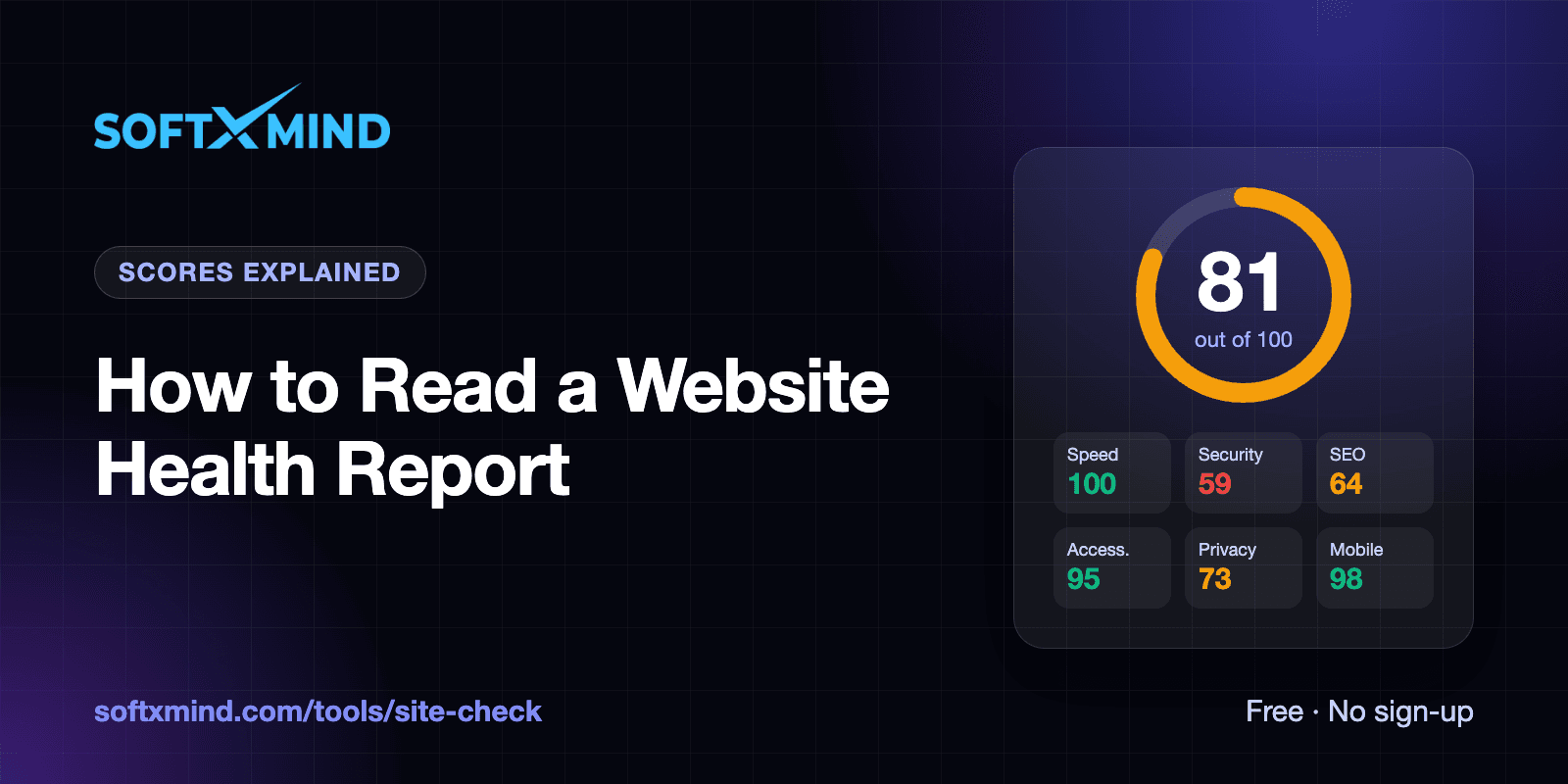
We hit two of these on our own domain in a single afternoon. Read the full story in how we took our website from 81 to 100.
Frequently asked questions
What happens if I don't have a DMARC record?
Receiving servers have no instruction from you about failed messages, so spoofed emails using your domain may be delivered. Your legitimate email is also more likely to be filtered as spam by major providers.
Is SPF enough on its own?
No. SPF checks the hidden "envelope" sender, not the From address people see, and it breaks when email is forwarded. DMARC ties SPF and DKIM to the visible From domain and tells receivers to act on failures.
Should I use p=quarantine or p=reject?
Start with p=none to monitor, move to quarantine once your legitimate senders pass, and use reject for the strongest protection when you're confident nothing legitimate fails.
Can a website health check see my DKIM records?
DKIM records live at selector-specific names (like google._domainkey) that can't be discovered generically, so automated checks focus on SPF and DMARC. Your email provider's admin console shows whether DKIM is active.
Do I need SPF and DMARC if I don't send email from my domain?
Yes. Domains that never send email are attractive to spoofers. Publish v=spf1 -all and v=DMARC1; p=reject to tell receivers that any email claiming to be from that domain is fake.
Is your domain protected? Run a free website health check to see your SPF and DMARC status alongside 40+ other checks.